Channel-first mixing
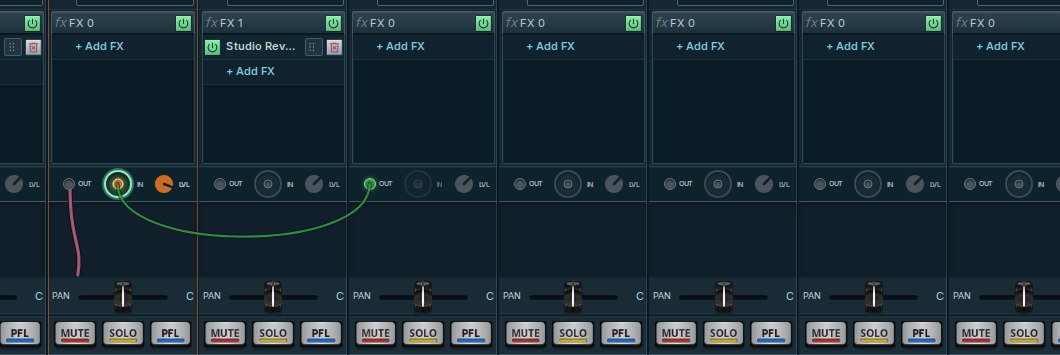
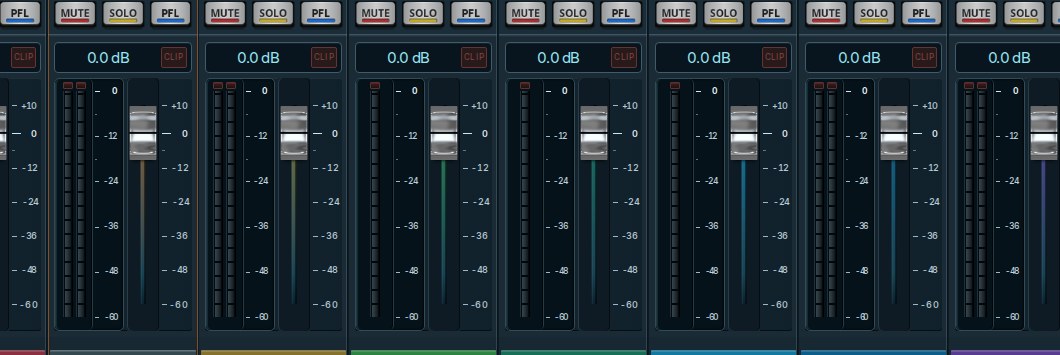
Create and rename channels, control levels, and prepare WIRE or SOURCE ONLY routes in an offline logical session.
Mix vocals, karaoke and live streams your way. Connect your audio interface, shape vocals and instruments with native effects, and route channels through one flexible digital mixer.
Free to download · Windows alpha preview · Earlier Linux/macOS builds · No account required
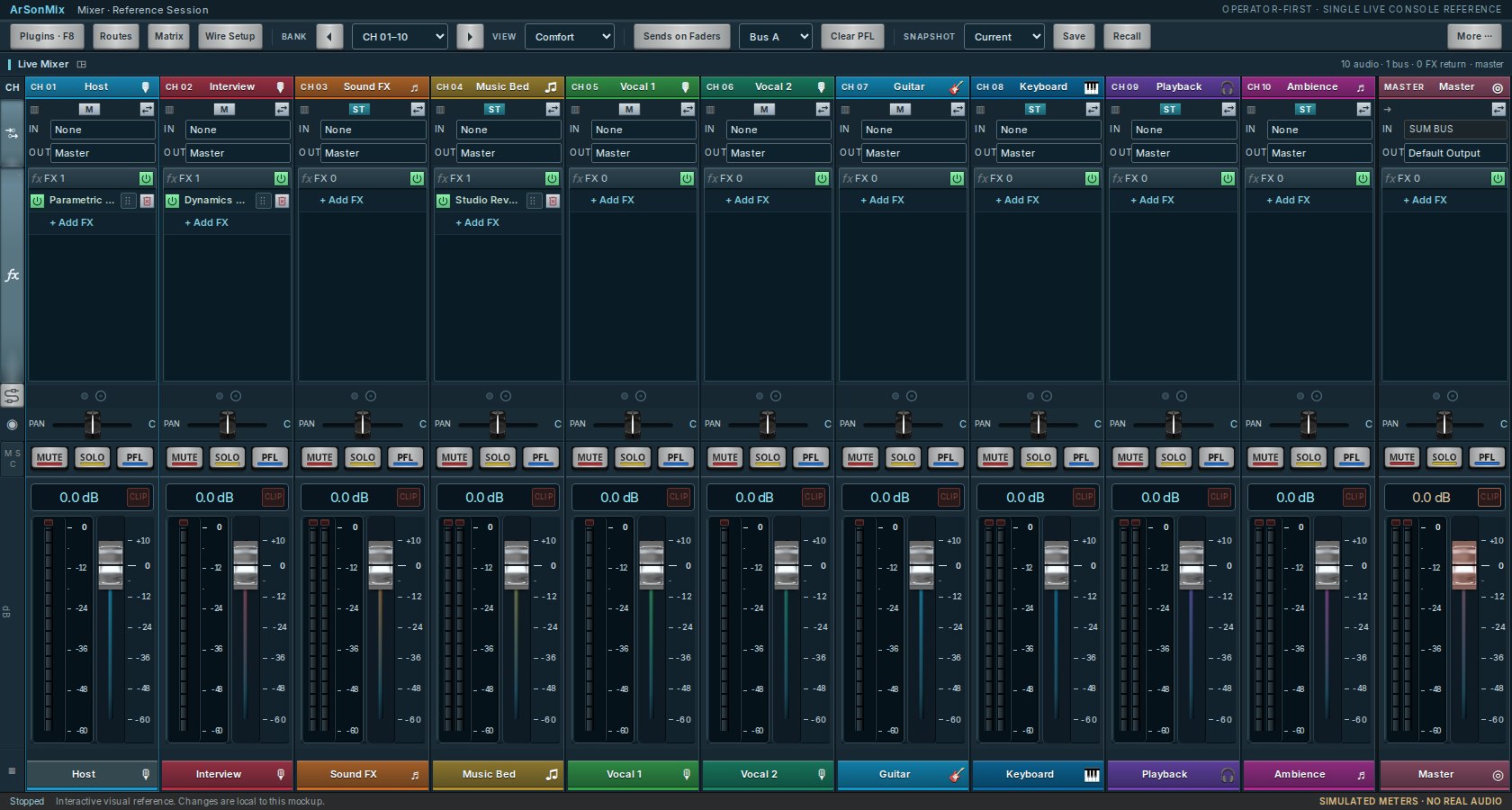
One approved mixer interface for channel control, effects and signal flow. Browser preview is visual only; real audio needs the installed app.
Take a look around the mixer in your browser. Install the desktop app to connect your audio devices and start mixing.
Bring your microphones, music and sound card together with straightforward controls and flexible routing.
Create and rename channels, control levels, and prepare WIRE or SOURCE ONLY routes in an offline logical session.
Explore Harmonice, Vocal Delay, 8D-SonKu P9.9 binaural orbit, ImmerSIB concert spaces and Guitar FX, plus native EQ and Compressor. Real audio runs in the installed application.
Manage music and relink missing files by unique full filename while preserving each track’s KEY and TEMPO.
The latest verified Windows alpha preview is listed below and updates automatically after an approved public release. Linux and macOS may use older released builds. On Windows, download the installer ZIP, extract it, and run Setup. Each download shows its own verified version and file size.
Current Windows alpha highlights: approved 8D-SonKu P9.9 orbit, ImmerSIB with seven concert scenes (including Concert Front Row XL), host-controlled FX Power/bypass, Harmonice, Vocal Delay, Guitar FX and WIRE routing. The browser preview is visual only; real spatial audio requires the Windows application and headphones.
Windows 10/11 · 64-bit
Download installer ZIPLinux · 64-bit
Download for LinuxApple Silicon and Intel
Download for macOSTry the interactive mixer, then download the desktop app and make it your own.